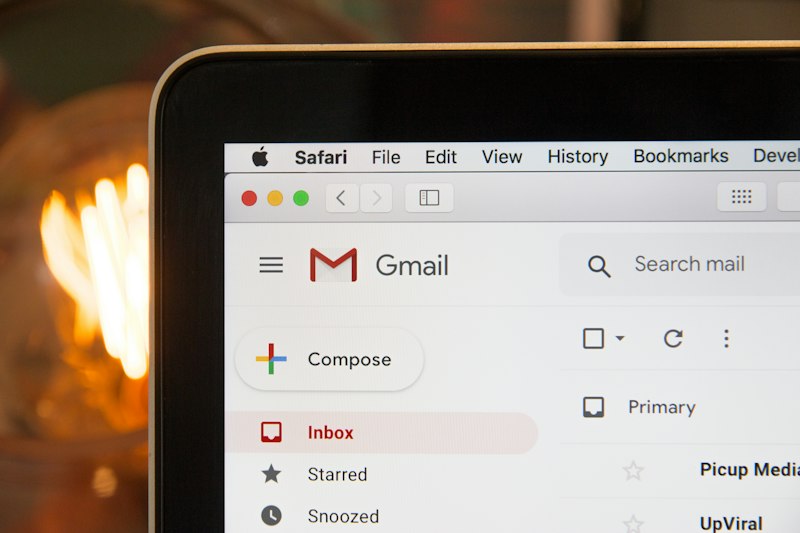
Your inbox. For many of us, it’s a digital monster, a swirling vortex of unanswered questions, forgotten tasks, and endless notifications. It's a source of low-level anxiety that constantly pulls at your focus, whispering "you forgot something..." in the back of your mind. But what if I told you there’s a legendary system, not a myth, that can transform this digital nightmare into a pristine, productive playground?
Welcome to the world of Inbox Zero. It’s not just a fancy term; it’s the email management system you'll ever need to reclaim your sanity and productivity.
What Exactly Is Inbox Zero?
First, let's bust a common myth: Inbox Zero isn't about having literally zero emails in your inbox at all times. While a truly empty inbox is often the glorious outcome, the real goal is to have zero unaddressed emails. It's about making a decision on every email that lands in your inbox, ensuring nothing lingers to clog your mental RAM. It's a proactive decision-making framework that frees your mind from the constant hum of "I need to deal with that later."
Think of your inbox as a processing station, not a storage unit. Emails arrive, you process them, and then they leave. Simple, right? Let's make it actionable.
The 5 Pillars of Inbox Zero (Your Action Plan)
The core philosophy is to touch each email once and decide its fate. No endless re-reading, no "I'll get to it later" procrastination.
Delete/Archive It
If an email requires no action from you and isn't something you need to reference, get rid of it. This is your first line of defense.
- Hack: If it's a newsletter you never read, unsubscribe ruthlessly. Don't just delete; stop the flow at its source. Your future self will thank you.
- Hack: For informational emails you might need, quickly archive them. They're searchable later, but out of sight, out of mind.
Do It
The famous "2-minute rule" applies here.
- Hack: If you can complete the action requested by an email (reply, schedule a meeting, jot down a note) in two minutes or less, do it immediately. Don't defer. This clears so much small clutter instantly.
Delegate It
If the email isn't for you, or someone else is better suited to handle it, pass it on.
- Hack: Forward, CC, or assign the task, then immediately archive the original (or move it to a "Waiting" folder if you need to track a response). Get it off your plate!
Respond To It
For emails that require a reply but don't fit the "Do It" category (e.g., a longer response is needed), quickly reply to acknowledge receipt or state when you'll get back to them.
- Hack: Use email templates for common replies. Tools like Gmail's canned responses or Outlook's quick parts are gold.
- Hack: If a full response will take more than two minutes, respond briefly to manage expectations, then defer the full response (see next point).
Defer It
This is for emails that require significant action or a longer, thoughtful response. These are the tasks you need to schedule into your productivity system.
- Hack: Don't let your inbox become your to-do list. If an email creates a task, immediately add it to your project management tool, calendar, or a dedicated "Action Items" folder.
- Hack: Move the email out of your main inbox once the task is logged. You can keep it in a specific "Action" folder, or simply archive it if the task itself is enough reminder. Schedule dedicated time in your day to tackle these deferred items.
Setting Up Your Inbox Zero Power Play
Prep Your Digital Battlefield
- Hack: Create a few simple folders beyond "Inbox":
Action Required,Waiting For,Read Later,Reference. These are for your deferred items, not permanent storage. - Hack: Leverage filters and rules. Automatically send newsletters to a
Read Laterfolder, route specific project emails to dedicated project folders, or highlight urgent messages.
Batch Your Email Time
- Hack: Turn off all email notifications! Seriously. Email is a tool on your schedule.
- Hack: Dedicate specific blocks of time (e.g., 9 AM, 1 PM, 4 PM) to process emails. Outside of these times, your inbox remains closed. This prevents constant interruption and allows for focused work.
Why Bother? The Freedom You Gain
Implementing Inbox Zero isn't just about an empty digital tray; it's about an empty mental one. You'll experience:
- Reduced Stress: No more nagging feeling that you're forgetting something critical.
- Improved Focus: Less context-switching means more deep work and better quality output.
- More Time: By being decisive, you stop wasting time re-reading emails.
- A Sense of Control: You dictate your email, your email doesn't dictate you.
Embrace Inbox Zero, and watch as your productivity soars and your digital anxiety plummets. It takes discipline, but the freedom it delivers is absolutely worth it.
Pro-Tip: Your inbox is a tool, not a home; treat it like a bus stop, not a permanent address.