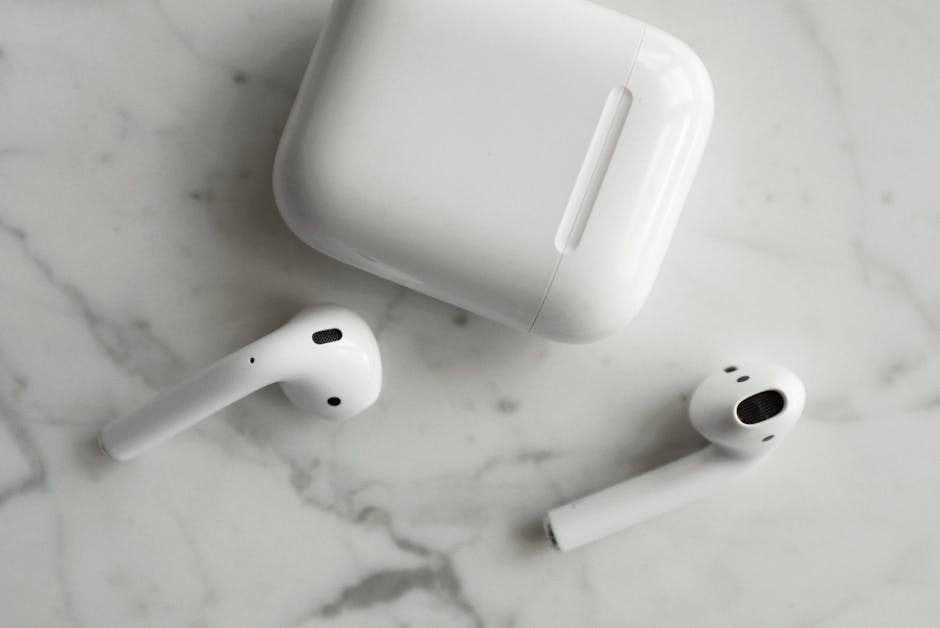
This App Lets You Use All Your AirPods' Features on Any Android
For years, Android users with Apple AirPods have lived a life of compromise. Sure, you could connect your sleek earbuds to your Android phone via Bluetooth for basic audio playback. But that magical ecosystem experience – the head gestures, seamless noise control, conversational awareness, and accurate battery readouts – always remained locked behind Apple's walled garden. Until now, that is.
Enter LibrePods, the app that's finally smashing down those barriers. While LibrePods has been around for a couple of years, it previously required the hassle of jailbreaking your Android and sideloading the app. Not exactly a "hack" most people were eager to try. But thanks to a recent fix in Android's Bluetooth stack (specifically Android 16 QPR3), LibrePods is now available directly on the Google Play Store. No more tech gymnastics needed!
This game-changing update means if you own a Google Pixel, OnePlus, Oppo, or Realme device with Android 16 QPR3, you can start unlocking your AirPods' full potential today. As this update rolls out to more Android devices, including popular Samsung Galaxy handsets, even more users will get to join the party.
Unlock the Full AirPods Experience
So, what exactly does LibrePods bring to your Android device? A whole suite of features that make your AirPods feel truly integrated:
- Head Gestures: Accept or reject calls with a simple nod or shake of your head.
- Noise Control Modes: Effortlessly switch between Transparency, Active Noise Cancellation, and Adaptive modes right from your Android.
- Accurate Battery Reporting: See precise battery levels for each AirPod and your charging case.
- Ear Detection: Auto-pause music when you remove an AirPod, and resume when you put it back in.
- Conversational Awareness: Your audio volume dips automatically when you start talking, letting you hear your surroundings.
Note that some premium features, like head gestures and conversational awareness, require a one-time in-app purchase of $4.99. You can easily compare the free and paid versions within the app's settings.
Getting Started with LibrePods
Hooking up your AirPods to LibrePods is surprisingly simple.
- Connect via Bluetooth: First, pair your AirPods with your Android phone just like any other Bluetooth device. Go to Settings > Connected devices > Pair new device, then press the pairing button on your AirPods case.
- Open LibrePods: Once your AirPods are actively connected, open the LibrePods app. It should automatically detect them.
From the main screen, you'll immediately see options to control your listening modes. You can also customize the press-and-hold action on each AirPod – even assigning it to launch something like Gemini! Plus, you can select which AirPod microphone you want to use by default.
For advanced tweaks, tap the cog icon in the top-right corner of the AirPods info screen. Here, you can fine-tune Head Gesture sensitivity (if you've unlocked the premium version), enable a home screen widget for battery info, and adjust conversational awareness settings.
With LibrePods, your AirPods are no longer just basic Bluetooth earbuds on Android. They're finally the smart, feature-rich audio companions they were always meant to be. Time to hack your listening experience!